Free local PCB design
Forge circuits into PCBs,right in your browser
Build circuits, arrange real footprints, shape the board, inspect it in 3D, and export PCB files from one local-first workspace. No account or payment required.

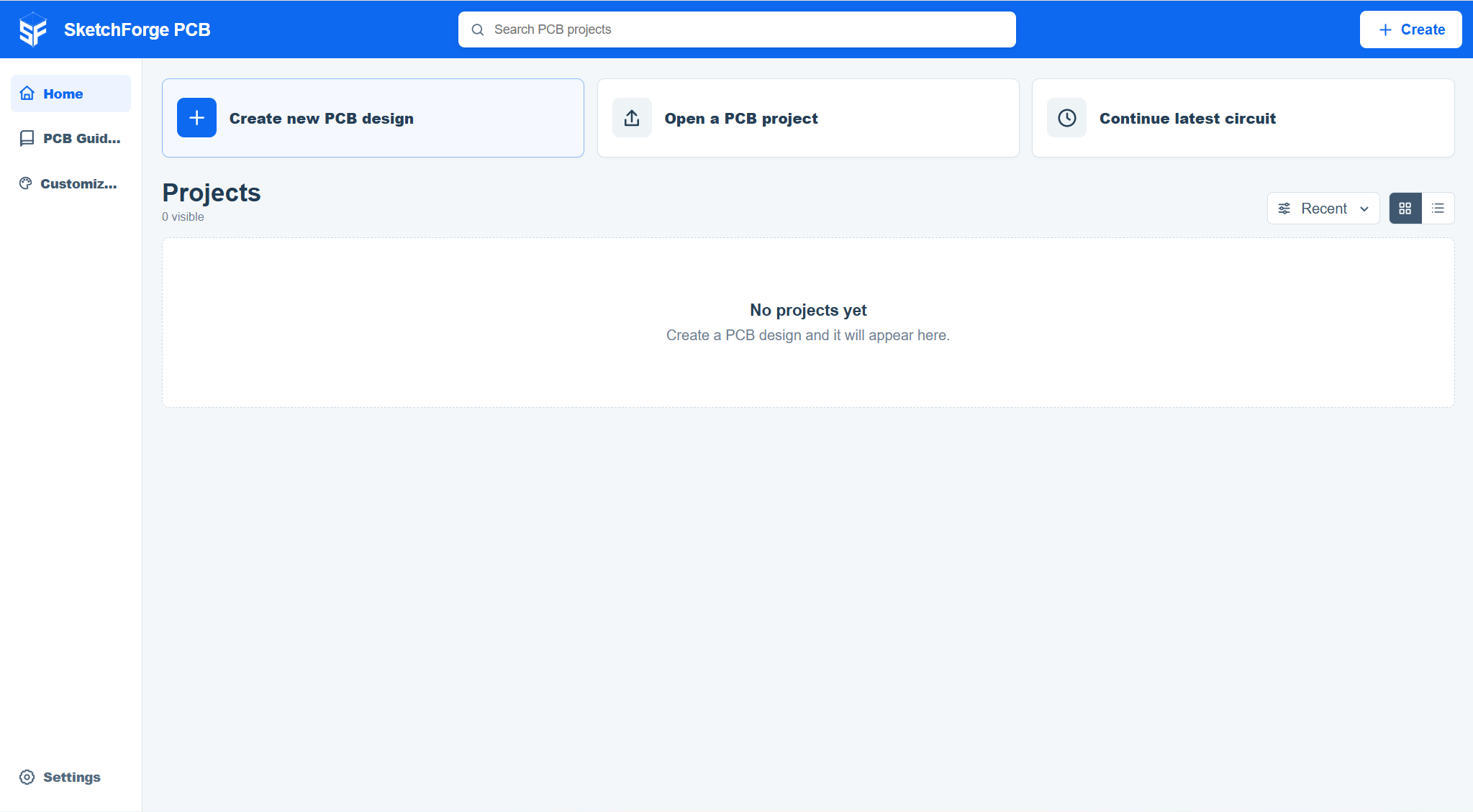
Local PCB projects
Create, open, and continue PCB designs locally.
SketchForge PCB keeps projects and circuit data on your device, so you can start from scratch, open a board file, or return to recent work without an account.
- 01Create a PCB
Start a fresh circuit and board directly from the PCB project home.
- 02Open board files
Bring supported SketchForge PCB and KiCad board data into the same local workspace.
- 03Continue your work
Recent PCB projects stay in browser storage so you can return quickly.
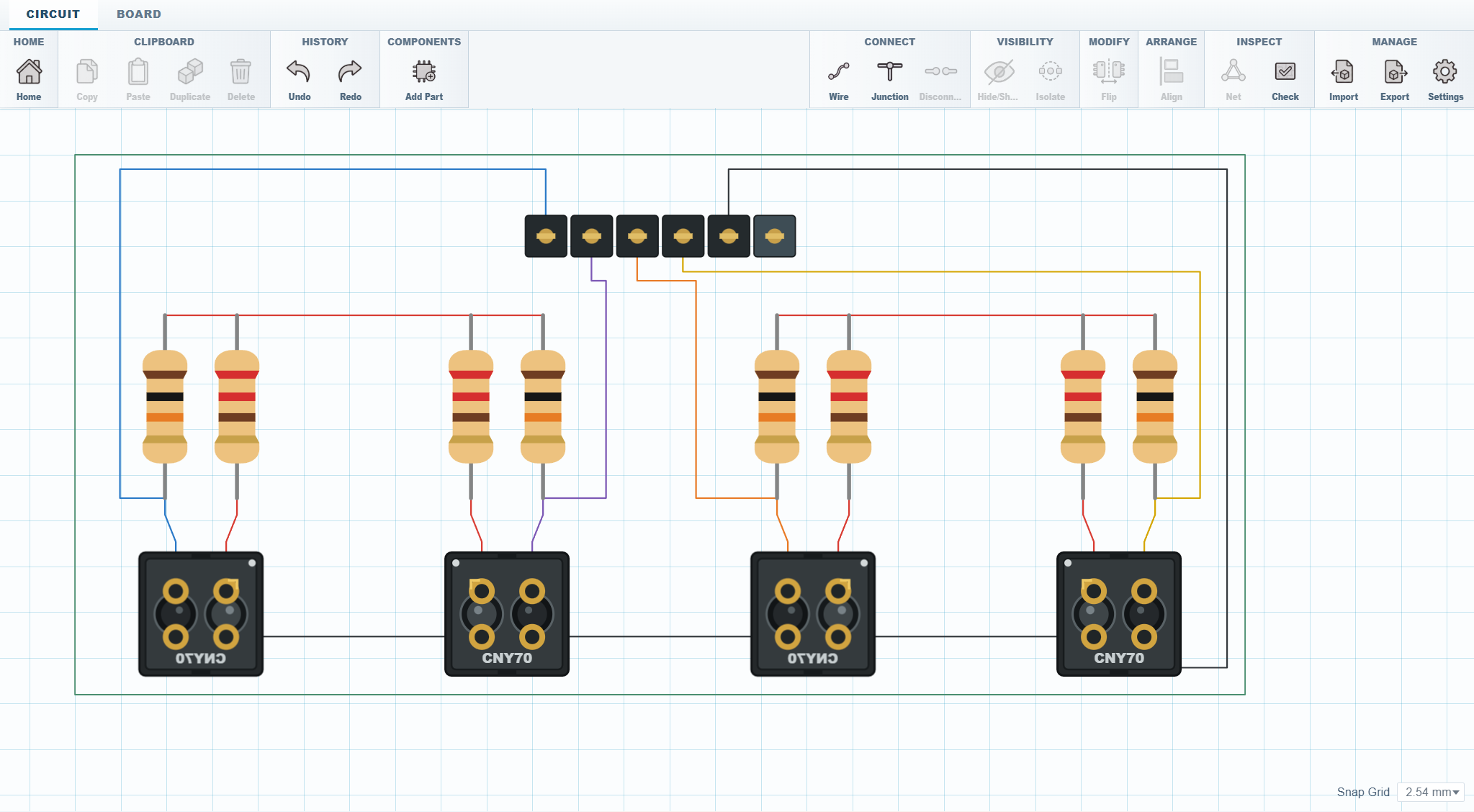
Circuit-to-board workflow
Wire the circuit, shape the board, inspect it in 3D.
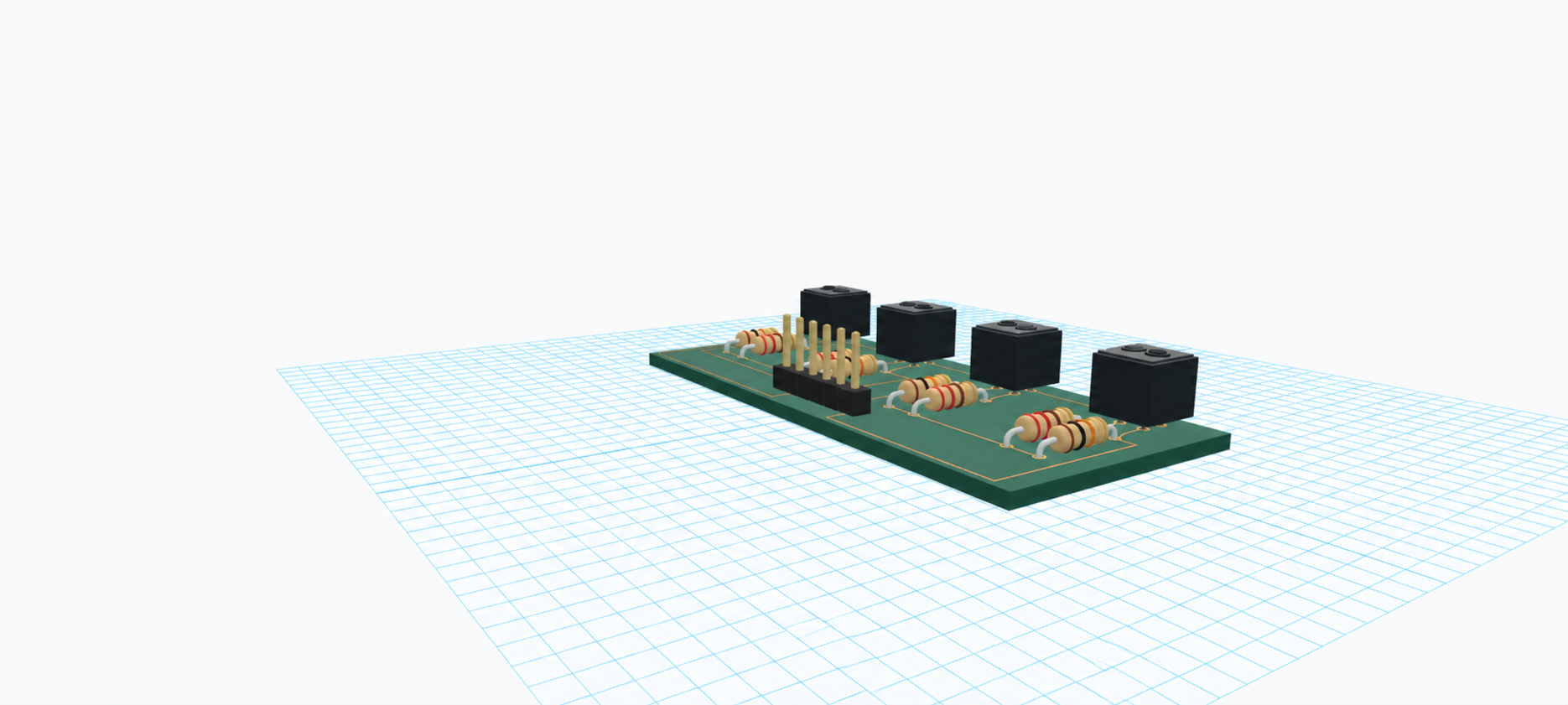
Place real components, connect pins, define the board outline, inspect the assembled PCB in 3D, and export from one focused editor.
- 01Place real components
Build circuits with exact component footprints and visible pin connections.
- 02Route and arrange
Wire the circuit, arrange parts, and move into board layout without changing tools.
- 03Check, preview, export
Run design checks, inspect the PCB in 3D, and export practical board files.